English
 Türkçe
 Deutsch
 Français
 العربية
 Русский
 Español
 Polski
Microsoft 365 Basic Applications
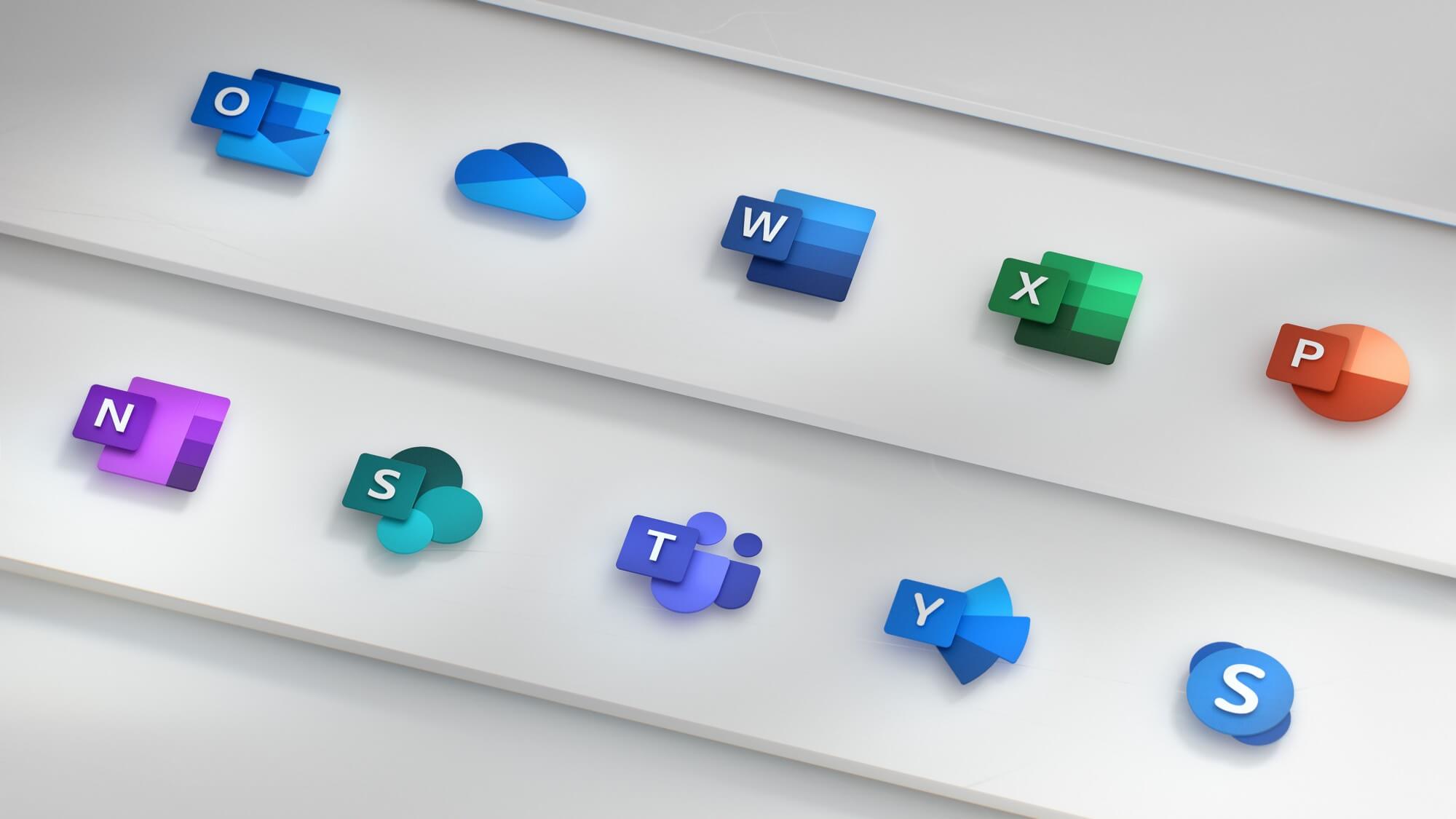
Microsoft apps are at the center of your daily workflows — AI-powered, cloud-based, and accessible on any device.

word
Smart writing assistant powered by Copilot, real-time co-editing, advanced templates and document accessibility checking. It works seamlessly on web, desktop and mobile.

Excel
Advanced analysis with Python integration, dynamic arrays, data transformation with Power Query, and natural language formula creation with Copilot. Support more than 400 functions.

PowerPoint
Creating presentations from text summary with Copilot, AI-supported layout suggestions with Designer, live camera integration and real-time translation with Cameo.

teams
Communication platform with 320M+ active users. Meeting summary and smart notes, Town Hall & Webinar (10,000 attendees), Loop widgets and 2,000+ app integrations.

Outlook
Unified mailbox, calendar and contact management with the new Outlook experience. Email summarization and response drafting with Copilot. 100GB mailbox (on E3/E5 plans).

OneDrive
1 TB cloud storage per person, smart file search, undo with version history, automatic backup with Known Folder Move, and deep integration with SharePoint.

SharePoint
Corporate intranet and document management platform. Site templates, workflow automation, access control, and smart content recommendations with Copilot.
Exchange Online
Enterprise class email infrastructure. Anti-malware, anti-spam protection, Data Loss Prevention (DLP), eDiscovery, legal retention and message encryption.

copilot
AI assistant built into all Microsoft 365 apps. Radical productivity increase in meeting summaries, document creation, data analysis and email management.
Microsoft 365 Business Plans
Choose the right Microsoft 365 package based on your business size and needs. All plans are available with a monthly or annual subscription.
business Small and Medium Businesses (up to 300 users)
Business Basic
Cloud-based applications and essential collaboration tools.
- Web and mobile Office apps
- Teams (meeting, chat, call)
- Exchange Online — 50 GB mailbox
- OneDrive — 1 TB storage
- SharePoint
- Desktop Office applications
- Advanced security features
Business Standard
Full desktop applications and advanced business tools.
- Desktop + Web + Mobile Office applications
- Teams (webinar — 300 participants)
- Exchange Online — 50 GB mailbox
- OneDrive — 1 TB storage
- SharePoint, Bookings, Planner
- Microsoft Loop & Clipchamp
- Advanced security and compliance
Business Premium
All Standard features + advanced security.
- All features of Business Standard
- Microsoft Defender for Business
- Intune device management
- Azure Information Protection
- Entra ID Premium P1
- Conditional access policies
- Automatic attack blocking
Enterprise Large Scale Organizations (Unlimited users)
Microsoft 365 E3
Enterprise efficiency, security and compliance.
- Full desktop Office applications
- Exchange Online — 100 GB mailbox
- OneDrive — Unlimited storage*
- Microsoft Intune (Plan 1)
- Entra ID Premium P1
- Microsoft Purview (DLP, eDiscovery)
- Windows 11 Enterprise E3
Microsoft 365 E5
The most comprehensive security, analytics and compliance.
- All features of E3
- Microsoft Defender for Endpoint P2
- Microsoft Defender for Identity
- Microsoft Sentinel (SIEM) integration
- Entra ID Premium P2 (PIM)
- Power BI Pro included
- Telephone System + Audio Conferencing
Microsoft 365 F3
For frontline workers.
- Web and mobile Office apps
- Teams (messaging, walkie-talkie, shifts)
- Exchange Online — 2 GB mailbox
- OneDrive — 2 GB storage
- Microsoft Intune
- Entra ID Premium P1
- Windows 11 Enterprise E3
* Unlimited OneDrive storage: Initially available at 5TB/user on subscriptions with 5+ users; increased on demand.
Windows 365 Cloud PC
Windows 365 streams the full Windows experience from the Microsoft Cloud to any device. Your personalized Cloud PC—your apps, settings, and content—can be accessed securely from anywhere.
Windows on Every Device
Get the full Windows 11 experience from any device — iPad, Mac, Android, thin client or legacy PC. Connect via HTML5 browser or Remote Desktop app.
Zero Trust Security
The data remains in the Microsoft Cloud, not on the device. Full control with MFA, conditional access, and Microsoft Endpoint Manager. In BYOD scenarios, the risk of corporate data leakage is zero.
Predictable Cost
Fixed monthly fee per user. There is no hardware replacement cost. 12 different configuration options, from 2 vCPU / 8 GB RAM to 16 vCPU / 64 GB RAM.
Ready for Instant Use
New employees get started with a fully equipped Cloud PC in minutes. Ready images, automatic application deployment and one-click provisioning.
Windows 365 Business
Up to 300 users, no IT infrastructure required.
- direct purchase
- Entra ID Join
- Windows 11 Enterprise
- Microsoft 365 Apps
Windows 365 Enterprise
Unlimited users, full Intune management.
- Centralized management with Intune
- Hybrid Entra ID Join
- Custom image support
- Azure network connection
Windows 365 Frontline
Cost-effective Cloud PC sharing for shift workers.
- 1 Cloud PC license for 3 employees (simultaneous use)
- Personal desktop experience for every user
- Ideal for shops, factories, hospitals and call centers
Microsoft 365 ecosystem
Microsoft 365 offers a comprehensive ecosystem far beyond the core Office applications.
Power Automate
Automate your business processes without writing code. 1,000+ connectors, intelligent document processing with AI Builder, and Robotic Process Automation (RPA) support.
PowerApps
Develop enterprise applications with a low-code platform. Natural language application creation with Copilot, data management and mobile experience with Dataverse.

Power BI
Turn your data into interactive dashboards and reports. Natural language questioning, AI anomaly detection, and Teams/Excel/SharePoint integration.

Planner & To Do
Project and task management. Strengthen team coordination with Kanban boards, Gantt charts, sprint planning, and Teams integration.

Microsoft Viva
Employee experience platform. Productivity analytics with Viva Insights, learning with Viva Learning, internal social networking with Viva Engage, and OKR management with Viva Goals.
Security & Compliance
End-to-end security with Defender, Purview, Entra ID and Intune. Zero trust architecture, data loss prevention and compliance management. Detailed Information →
For Microsoft 365
The Right Partner
Cloudspark offers Microsoft 365 licensing, distribution, migration and management services as a Microsoft Cloud Solution Provider (CSP).
Expert Team
Our Microsoft certified experts are with you in all processes, from license consultancy to tenant installation, from migration to security configuration.
Seamless Migration
Seamless migration to Microsoft 365 from Google Workspace, on-premise Exchange, Zimbra or other platforms. Email, calendar, contact and file migration support.
24/7 Technical Support
24/7 support on tenant management, user provisioning, DNS configuration, Exchange Online troubleshooting and security policy management.
Microsoft 365 Services with Cloudspark
- Microsoft 365 licensing consultancy and sales
- Tenant installation and domain configuration
- Email migration (Exchange, Google, Zimbra)
- Hybrid Exchange & Active Directory installation
- Microsoft Defender security configuration
- Intune device management and policy deployment
- Copilot licensing and activation
- Windows 365 Cloud PC planning and installation
- User training and adoption management
Frequently asked
Questions